 Crafters Development
CraftersStaff
The all-in-one moderation suite designed for Paper, Spigot, BungeeCord, and Velocity networks. Version 2.6 is the most significant release in the plugin's history a complete architectural rewrite engineered for performance, security, and modern server environments.
CraftersStaff is the staff-tooling and moderation layer of the Crafters ecosystem see the sections below for setup, core modules, commands, permissions, configuration, and the developer API.
Installation & Initial Setup
CraftersStaff works standalone on a single server or synchronized across an entire network via a shared MySQL database and a proxy messaging layer.
Single Server (Spigot / Paper)
- Download the latest
CraftersStaff.jarfrom Modrinth or SpigotMC. - Place the file inside your server's
plugins/folder. - Start the server once to generate the
plugins/CraftersStaff/folder with all default configuration files. - By default, the plugin uses an embedded local SQLite database. No external database setup is required to get started.
- Assign the required permissions to your staff ranks and you are ready to go.
Network (Velocity / BungeeCord)
- Place
CraftersStaff.jarin theplugins/folder of every backend Spigot/Paper server. - Configure your MySQL credentials in
config.ymlon every backend server. All servers must point to the same database. - Set
network.bungee-mode: trueif using BungeeCord/Waterfall, ornetwork.velocity-mode: trueif using Velocity. - Optionally install the plugin on your Proxy server as well to enable network-wide Staff Chat forwarding.
- Restart the entire network.
Supports Paper / Spigot 1.19 – 1.21.x · Velocity 3.1.0 – 3.4.x · Waterfall 1.19 – 1.20.x · Java 17+
Hybrid Color & MiniMessage Engine
All color processing is now handled by a centralized, zero-duplication engine built on top of Adventure MiniMessage. It is fully backwards compatible with legacy formatting while unlocking powerful modern features.
| Format | Example | Support |
|---|---|---|
| MiniMessage Tags | <red>, <bold>,
<gradient:#f5b841:#e06c75> |
✅ Full |
| Hex Colors | <#f5b841>, <color:#1abc9c> |
✅ Full |
| Legacy Ampersand | &a, &l, &6 |
✅ Full |
| PlaceholderAPI | %player_name%, %server% |
✅ Soft-depend |
This engine is applied automatically to every message in messages.yml and every GUI title
and lore in the menu YAML files. No extra configuration is needed simply use any supported format in
your files.
Additionally, all messages are centralized in messages.yml. When you update the plugin,
any new messages are automatically inserted into your file, but your existing translations are
never overwritten.
Placeholder Migration Guide
All internal message variables have been migrated from the ad-hoc {curly_brace} format to
the professional PlaceholderAPI standard. If you customized your messages.yml in a previous
version, you must update your placeholders.
| Old Format (deprecated) | New Format (v2.6+) | Context |
|---|---|---|
{player} |
%player_name% |
Generic player name |
{target} |
%craftersstaff_target% |
Targeted player name |
{staff} |
%craftersstaff_staff% |
Staff member name |
{server} |
%craftersstaff_server% |
Current server name |
{reason} |
%craftersstaff_reason% |
Denial or action reason |
{reporter} |
%craftersstaff_reporter% |
Report submitter |
{reported} |
%craftersstaff_reported% |
Report subject |
{category} |
%craftersstaff_category% |
Report category |
{time} |
%craftersstaff_time% |
Cooldown remaining time |
{id} |
%craftersstaff_id% |
Note or report numeric ID |
{tps} |
%craftersstaff_tps% |
Server TPS value |
Main Modules
1. Staff Mode & Vanish
By executing /staff, the moderator's entire state (inventory, XP, health, gamemode, and
position) is safely serialized and stored in the database. The player enters creative mode, receives
interactive moderation items in their hotbar, and automatically becomes vanished.
The Vanish system removes the staff member from the TabList, the visual world, and spawn events, guaranteeing truly silent investigations. Flight and vanish state are preserved correctly across all Multiverse world transits and proxy teleports.
Staff items are authenticated using NBT Persistent Data Tags they cannot be forged by renaming a regular item on an anvil.
2. Freeze System
Allows you to immobilize a suspicious player using /freeze <player>. During the
frozen state:
- The player cannot move, attack, use items, chat publicly, drop items, or execute unauthorized commands.
- A FreezerChat opens automatically: a private, isolated channel between the frozen player and the staff team to coordinate screenshares.
- Configurable periodic alerts remind the player they are under review at set intervals.
- If the player disconnects to evade, the entire staff team receives a critical, network-wide alert.
3. Notes & Case Management
Notes allow administrators to attach detailed, timestamped records to any player's
account using /note. Cases track statuses (PENDING →
IN_PROGRESS → COMPLETED) and support staff handoff requests a staff member
can request ownership of a case from another, which the original owner must approve or deny.
4. Reports System
Reports are submitted by players using
/report <player> <category> <reason>. The case is sent to the
centralized Reports Manager GUI (/reports). Moderators can click to claim
a report (preventing duplicated investigations), teleport to the scene, or delete it. An optional
Discord webhook notification is fired on every new report.
5. TPS Monitor
A background task monitors the server's TPS in real time. When TPS drops below the configured threshold, all online staff members receive an in-game alert and an optional Discord webhook notification is sent to the configured channel.
Freeze Alert Configuration
A new repetitive-alerts block inside features.freeze gives administrators
full control over how often frozen players are reminded they are under review.
Discord Webhook Integration
CraftersStaff can send rich embed notifications directly to a Discord channel when specific events occur. Each feature has its own configurable message, allowing you to tailor the look to your community.
Supported triggers:
- New Report submitted fires when a player executes
/report. - TPS Alert fires when server TPS drops below your configured threshold.
Mining Alert & X-Ray Detection
The X-Ray detection system was completely rewritten for maximum performance. Configuration values are cached in memory and refreshed every 30 seconds, meaning there is zero YAML I/O on every block-break event.
A smart anti-spam system fires the alert when a player reaches the configured threshold, and then once every 5 blocks thereafter preventing alert flooding in the Staff Chat.
Commands List
Command names are fully configurable in commands.yml no recompilation required, only a
server restart.
| Command | Alias | Description |
|---|---|---|
/staff |
/mod, /sm |
Toggles moderation mode. Saves and restores the full player state. |
/vanish |
/v |
Hides or reveals the player visually and from the tablist. |
/freeze <player> |
/ss |
Immobilizes the player and activates the private FreezerChat channel. |
/report <player> <category> <reason> |
- |
Player command. Submits a report to the staff team. |
/reports |
- |
Opens the Reports Manager GUI for staff to review and claim reports. |
/note <player> add <content> |
/nota |
Adds a case note to a player's disciplinary history. |
/note <player> list |
- |
Opens the Notes Manager GUI with the player's case history. |
/note accept / deny <reason> |
- |
Accepts or denies a pending case handoff request from another staff member. |
/staffchat <message> |
/sc |
Sends a message to the team's private channel. Supports cross-server. |
/invsee <player> |
- |
Opens the target player's inventory for inspection. |
/craftersstaff reload |
/cs reload |
Reloads all YAML files without a server restart. |
Permission Nodes
All commands and actions are protected by granular permissions so you can assign exact hierarchies (e.g., Helper, Mod, Admin).
| Permission | Granted Access |
|---|---|
craftersstaff.admin |
Total access. Allows reloading the plugin and managing all features. |
craftersstaff.staff |
Allows using /staff and receiving general alerts. |
craftersstaff.vanish |
Allows using the /vanish command independently. |
craftersstaff.vanish.see |
Allows seeing other vanished staff members. |
craftersstaff.freeze |
Allows freezing and unfreezing any player. |
craftersstaff.reports.view |
Allows opening the Reports GUI and receiving new report alerts. |
craftersstaff.notes.edit |
Allows creating, editing, and completing player notes. |
craftersstaff.note.admin |
Allows completing or deleting any staff member's notes (override). |
craftersstaff.chat |
Allows reading and writing in the Staff Chat (/sc). |
craftersstaff.invsee |
Allows opening another player's inventory with /invsee. |
config.yml Reference
Here is a comprehensive overview of the key configuration blocks available in config.yml:
GUI Menus
All graphical interfaces are fully configurable through individual YAML files inside
plugins/CraftersStaff/menus/. You can adapt item names, lore, materials, slot positions,
and menu titles without any restarts use /cs reload to apply changes live.
| File | Controls |
|---|---|
menus/staff_list.yml |
Staff Online list menu title, size, filler, and head slots. |
menus/player_list.yml |
Online Players list menu used for targeted actions. |
menus/staff_detail.yml |
Player detail panel: status labels, action buttons (Freeze, Teleport, Inventory). |
menus/player_actions.yml |
Right-click contextual action menu for players. |
menus/notes.yml |
Notes Manager: pagination, close button, note item style. |
menus/reports.yml |
Reports Manager: pagination, close button, report item style. |
Staff Mode Inventory
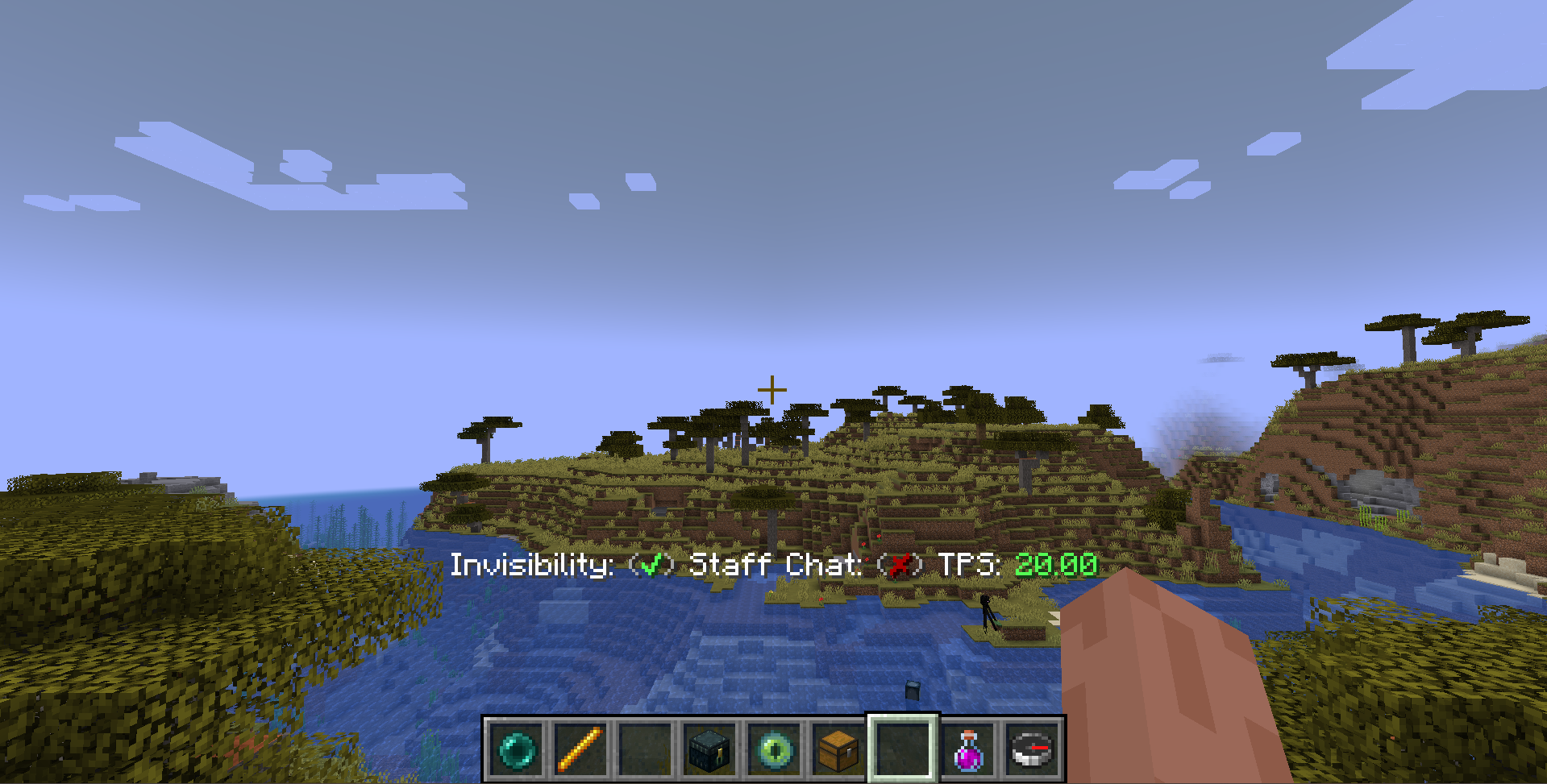
Reports GUI Manager
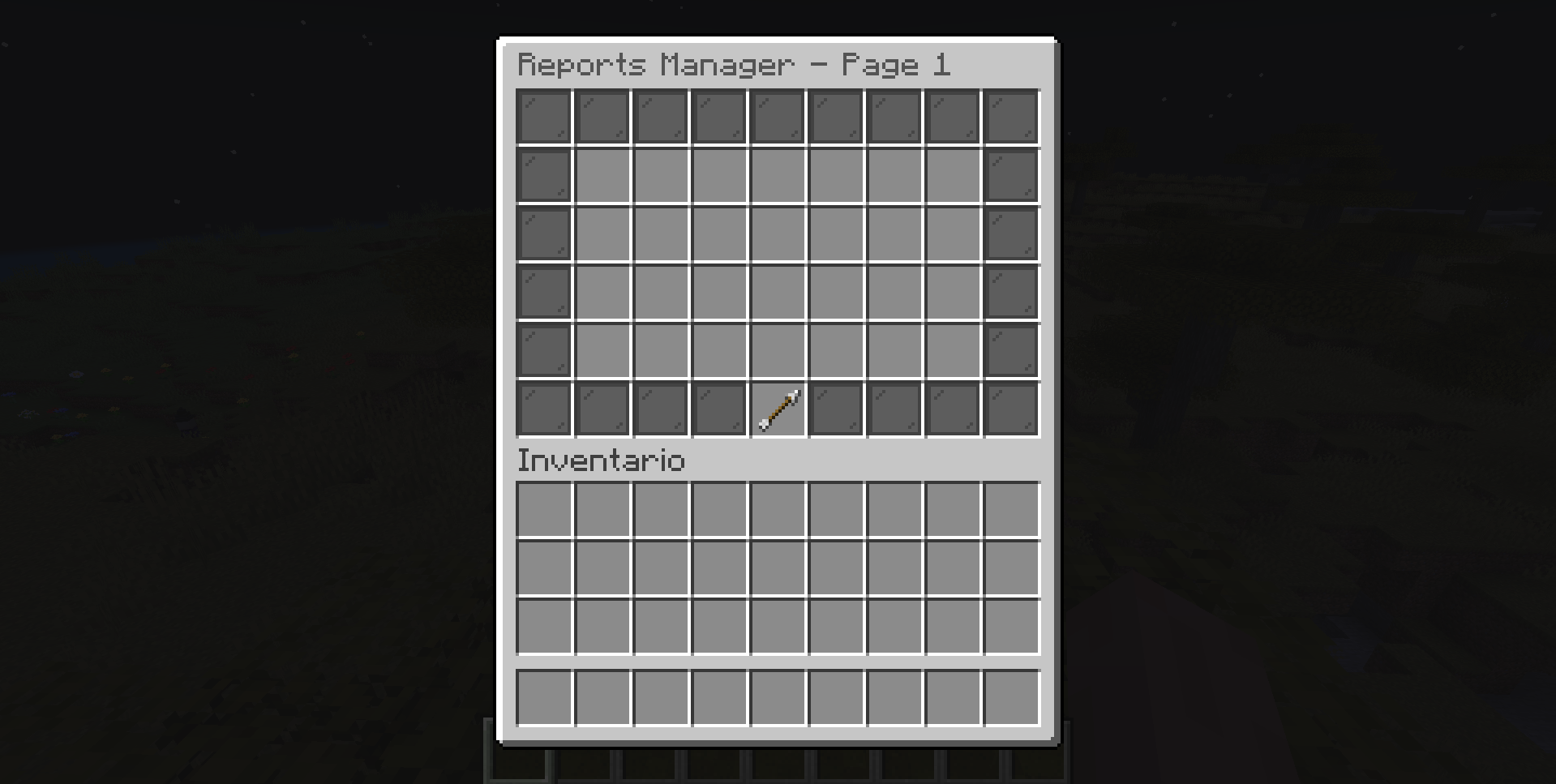
Notes History GUI
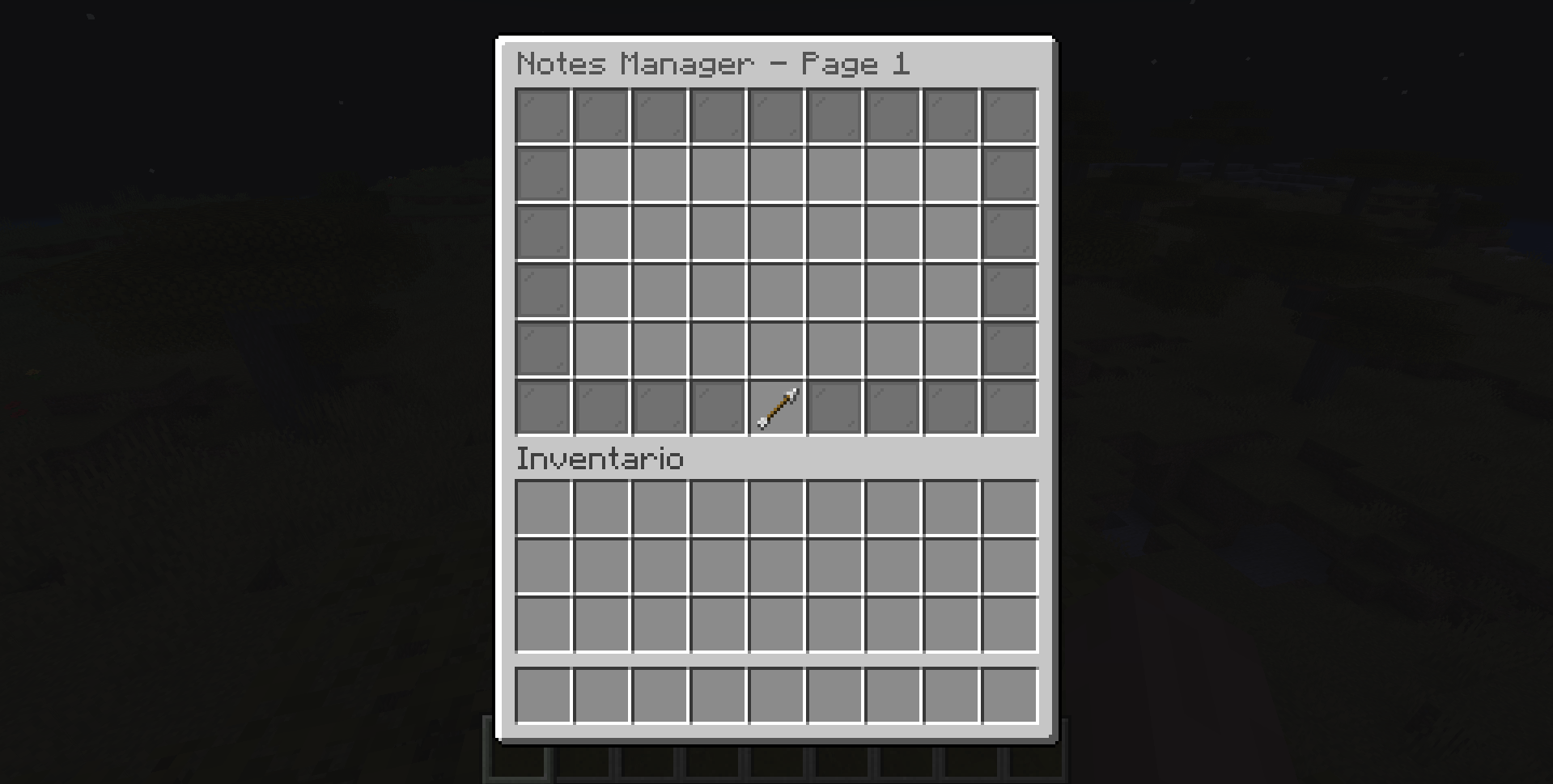
Developer API
CraftersStaff provides a comprehensive, stable public API for third-party plugins. You can query player states, listen to custom events, and hook into the moderation lifecycle without accessing any internal classes.
Maven Dependency
Querying Player States
Access the API statically through CraftersStaffAPI to query the current state of any
player.
Custom Events
Listen to CraftersStaff's lifecycle events just like any standard Bukkit event. All events are cancellable where relevant.
| Event Class | Fires When | Cancellable |
|---|---|---|
StaffModeChangeEvent |
A player enables or disables Staff Mode. | Yes |
StaffVanishEvent |
A staff member vanishes or becomes visible. | Yes |
PlayerFreezeEvent |
A player is frozen by a staff member. | Yes |
PlayerUnfreezeEvent |
A player is unfrozen by a staff member. | Yes |
Event Listener Example
plugin.yml Soft-Depend
Add CraftersStaff as a soft-dependency in your plugin.yml so your plugin loads after it
but does not require it to be present: